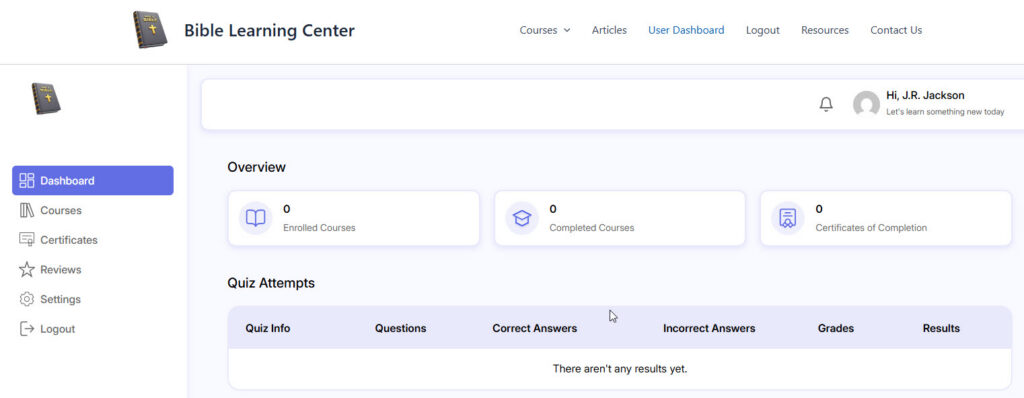
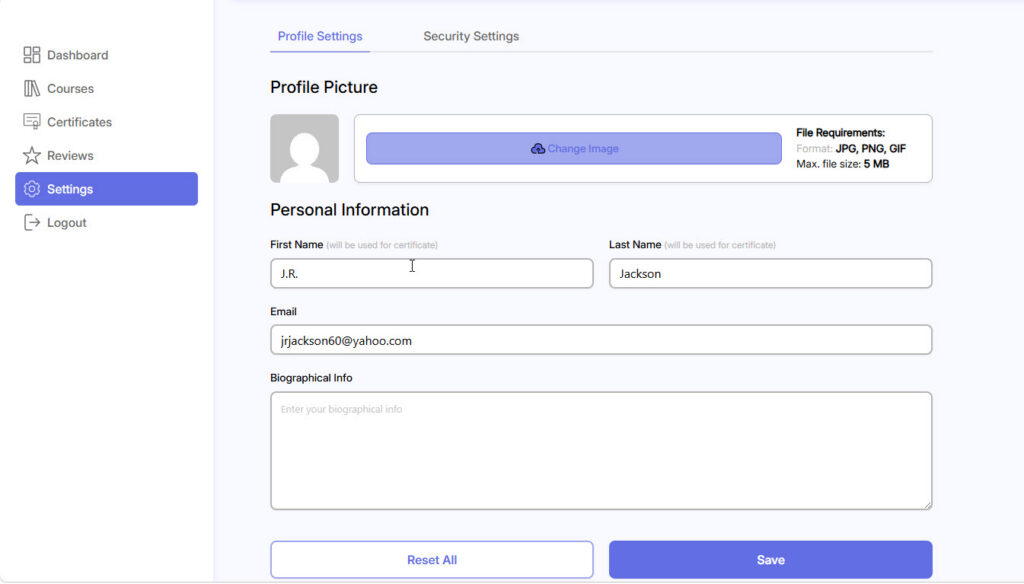
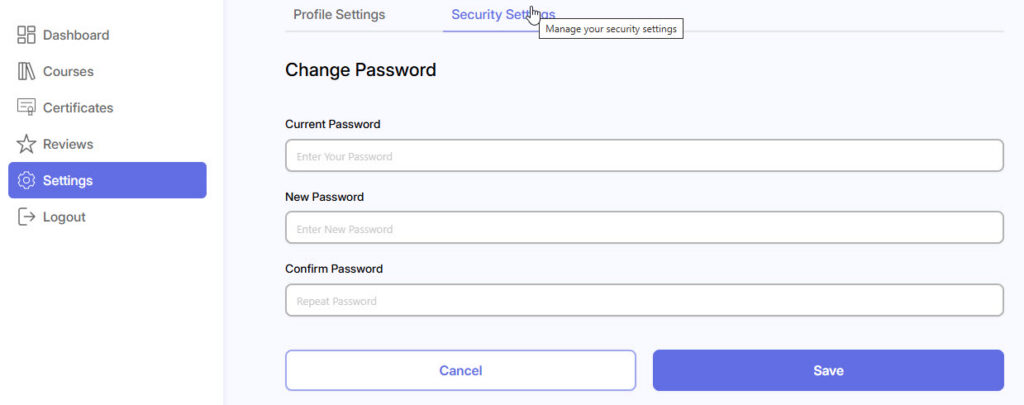
User Dashboard Leave a Comment / By Curtis Jackson / May 14, 2026 Once you are registered as a user and login, the User Dashboard represents a summary of all your activity. Click on Settings in the sidebar menu to view or change your Profile Settings. From the Profile Settings click on Security Settings from the top menu to view or change your Security Settings.